
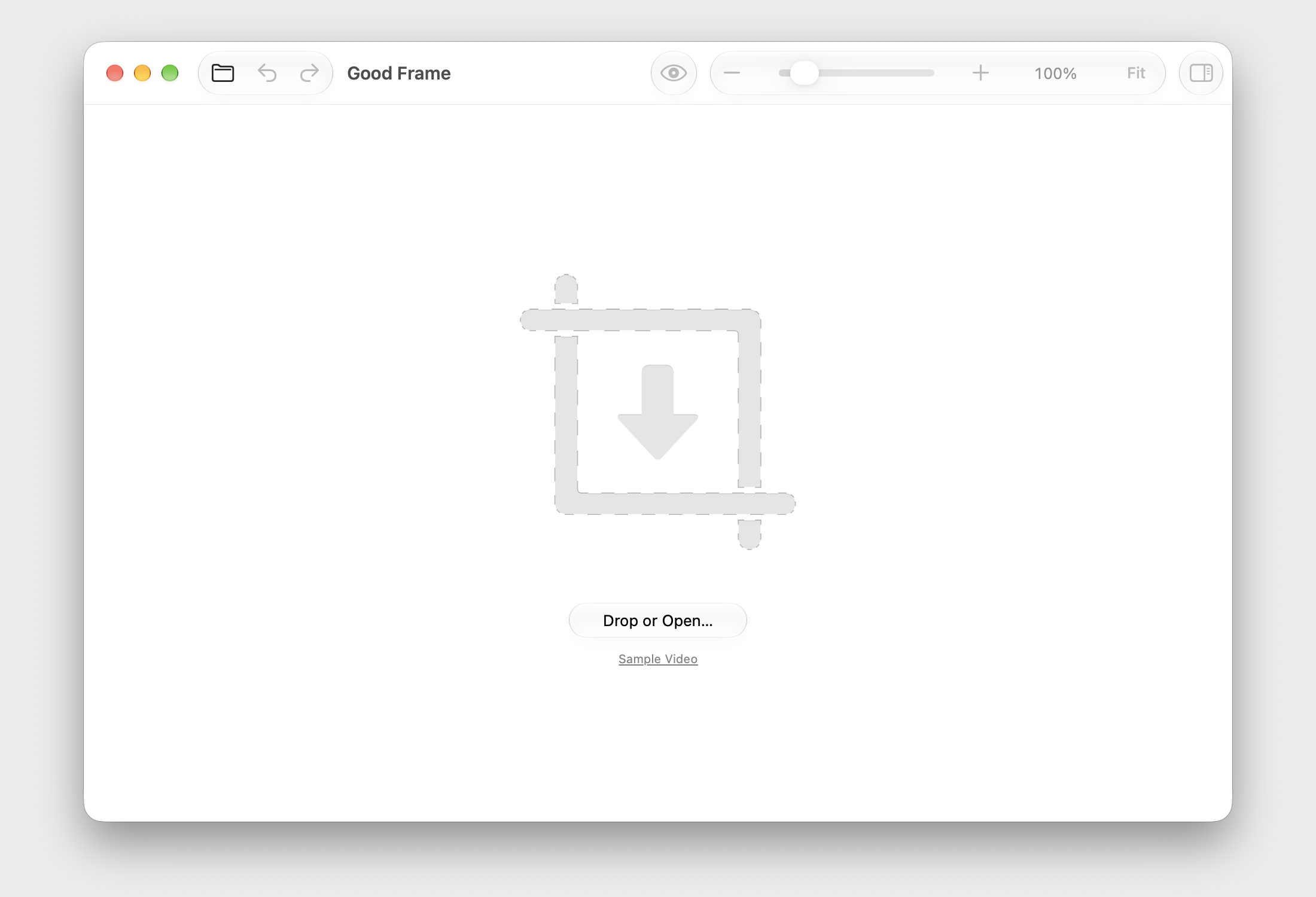
Good Frame is a Mac app that lets you crop videos and images carefully with zoom and pan.
 Media unavailable: headline.png
 Media unavailable: cta-download.png
 Media unavailable: cta-github.png
Download, unzip, and move Good Frame to Applications. Try opening it once. An app downloaded from the web can be blocked because it is not notarized by Apple:
-
Open System Settings → Privacy & Security.
-
Scroll to Security and click Open Anyway for Good Frame.
-
Authenticate if asked, then confirm Open.
Or check and build the app yourself from the source code.
 Media unavailable: heading-video-image.png
 Media unavailable: feature-video-and-image-framed.png
 Media unavailable: heading-zoom.png
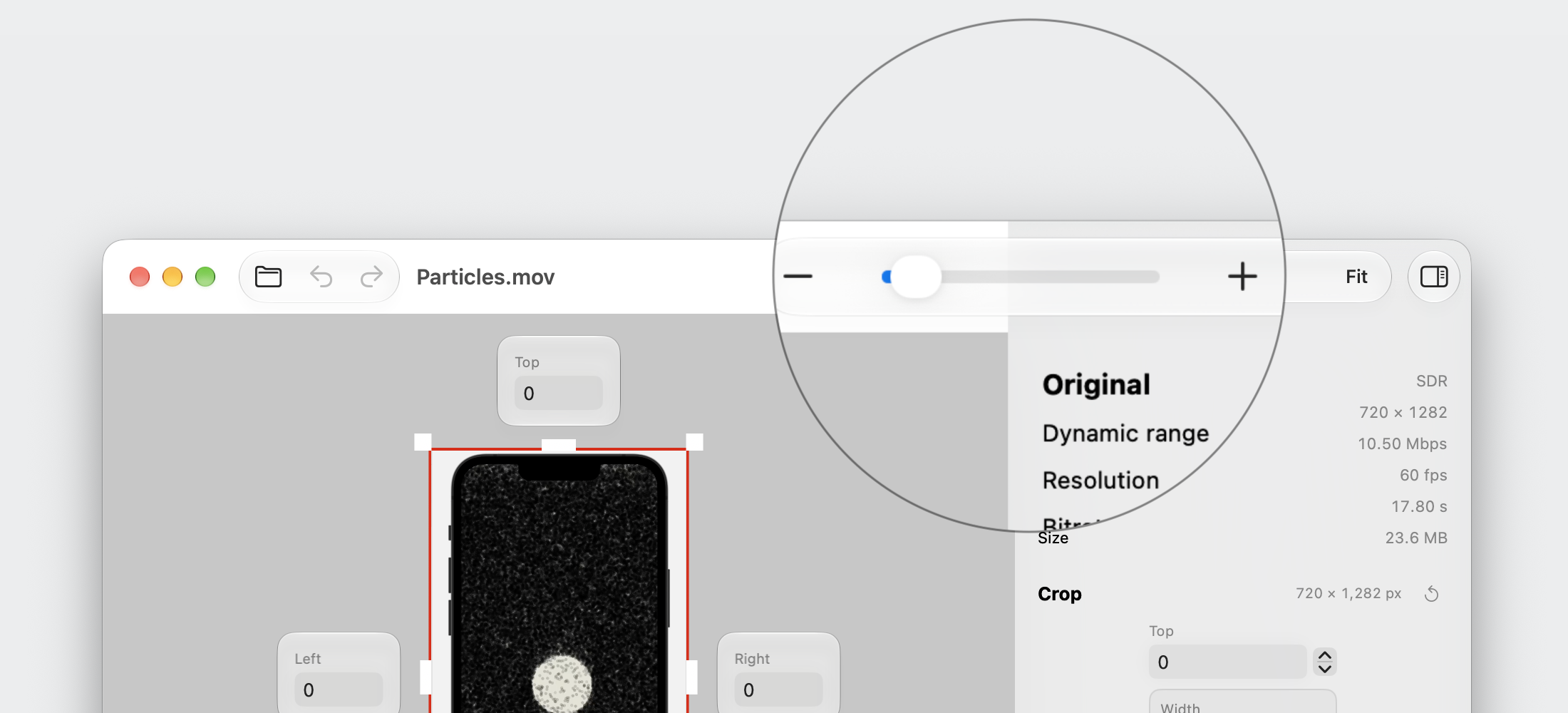 Media unavailable: feature-zoom-framed.png
 Media unavailable: heading-crop.png
 Media unavailable: feature-preview-framed.png
 Media unavailable: heading-preview.png
 Media unavailable: feature-background-framed.png
 Media unavailable: heading-encode.png
 Media unavailable: feature-encode-video-framed.png
 Media unavailable: heading-review.png
 Media unavailable: feature-review-framed.png
Tech Specs
-
Fully native macOS app.
-
Requires macOS 15.6 or later.
-
Import H264 and HEVC videos.
-
Export H264 and HEVC in MOV files. Original audio is copied unchanged.
-
Import PNG, JPEG, HEIC, and TIFF images.
-
Export PNG and JPEG.
Context
I needed to crop videos for my blog. Using Apple's Photos and online cropping tools, I can't easily zoom in to fine-tune the crop, and the cropped video can be aggressively recompressed.
It turns out cropping a video isn't trivial. Opening a video usually means decoding it, since it is likely already compressed, including screen recordings made by macOS or iOS. Cropping means cutting out part of every frame and encoding the video again, which can reduce quality.
My first try for a custom tool was a web app called Video Cropper using FFmpeg WASM. But I wasn't happy with the quality and performance. I also tried Handbrake, but Handbrake has a horrendous UI. It's hard to find the right encoding settings, and cropping video is done by entering numbers without visual feedback.
I decided to make a native macOS tool with AVFoundation, since I used it before to successfully encode videos (see SpriteKit Offline Rendering). The results were faster and better than what I got with FFmpeg on the web.
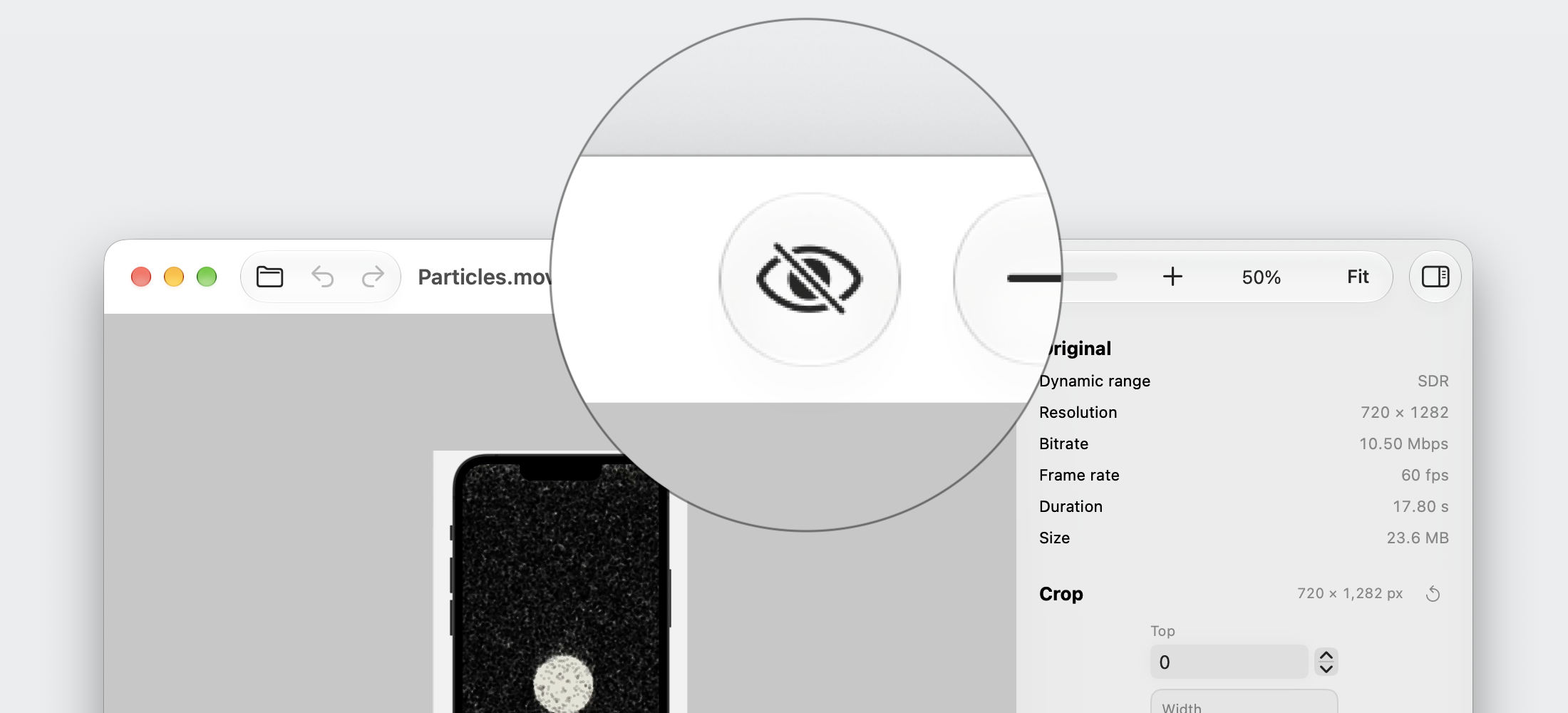
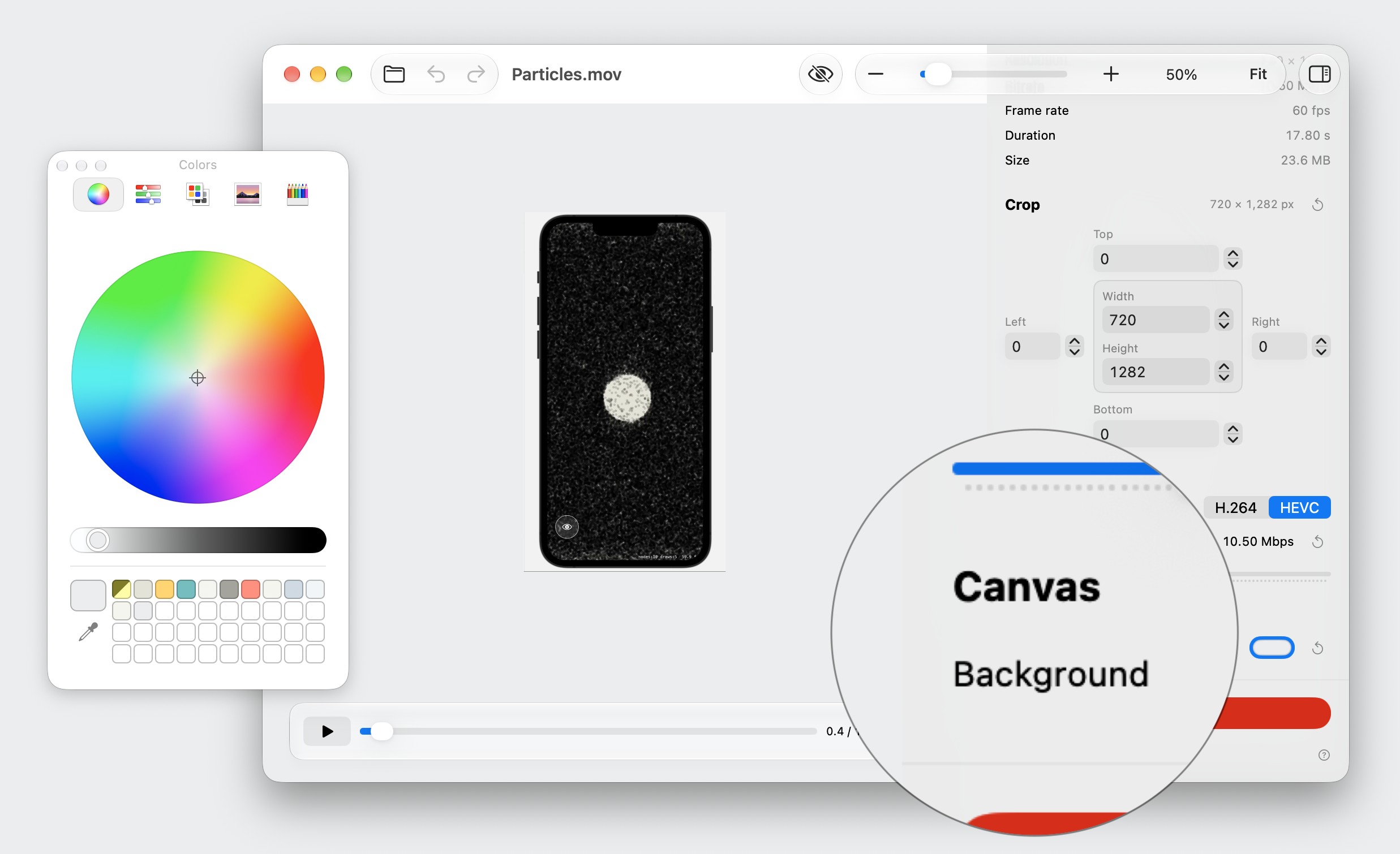
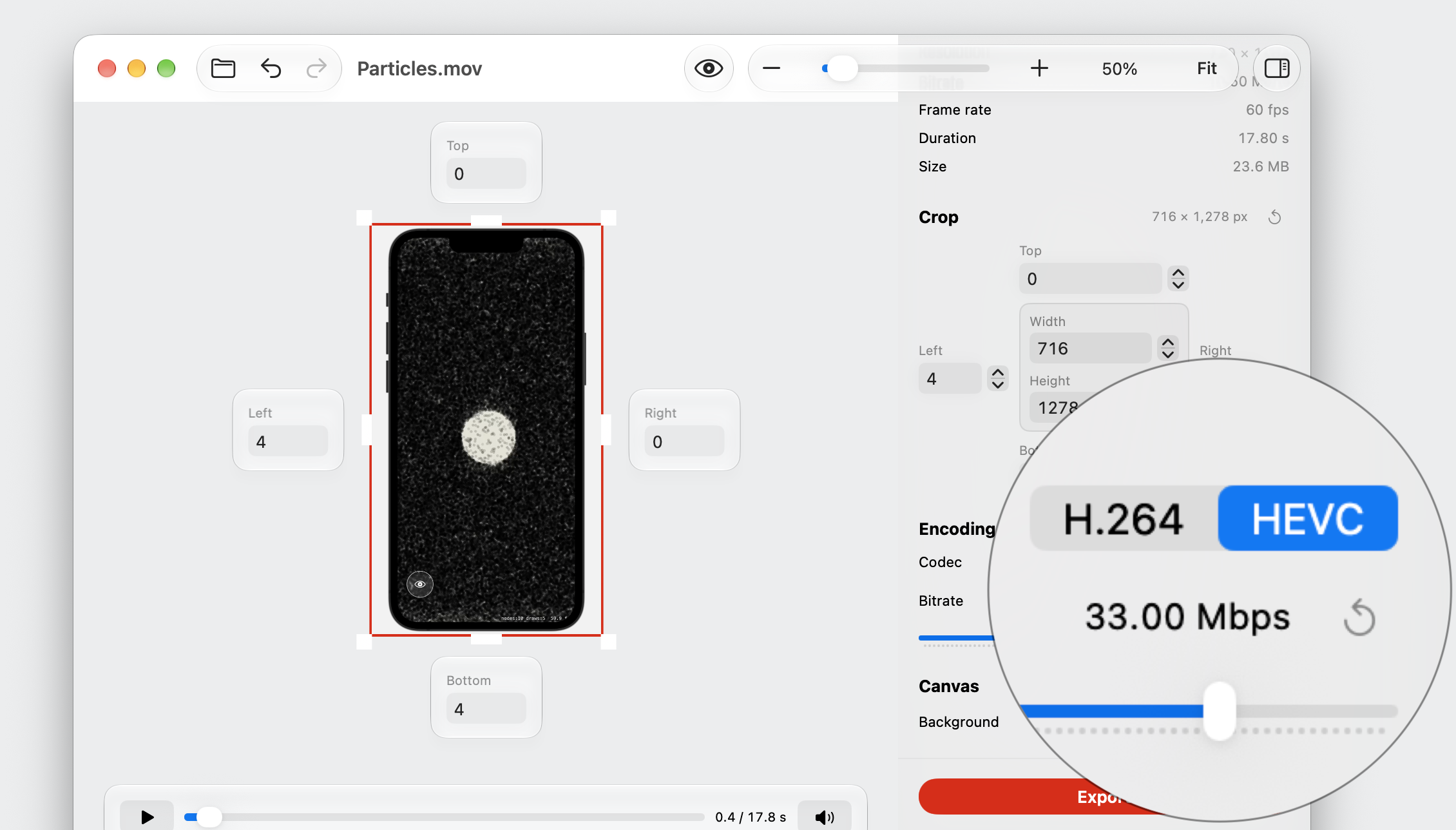
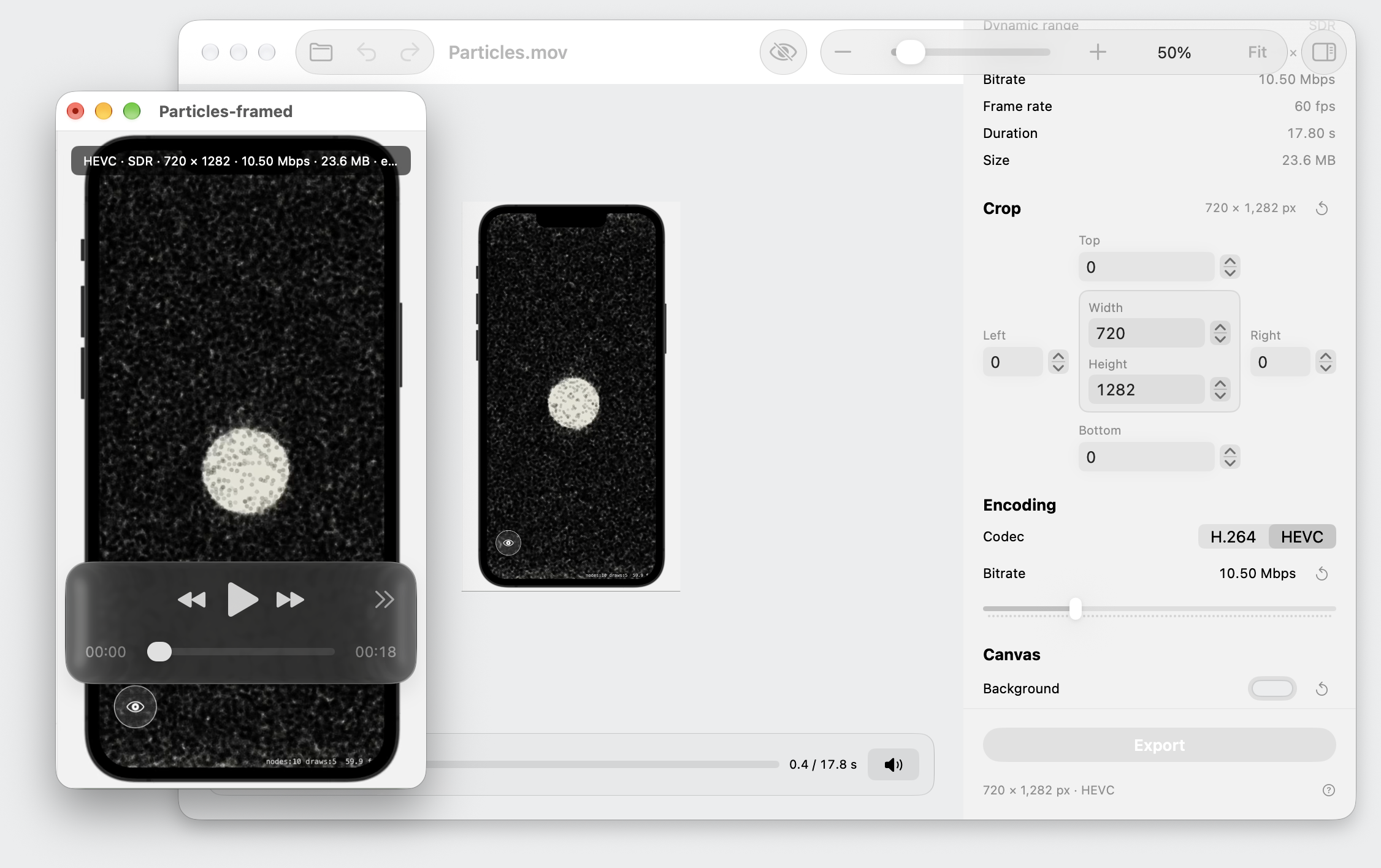
While making the app, I added features I often use during a crop, such as hiding the crop UI and changing the background color, so I can see how the video will fit in its target page.
Good Frame source code was written by GPT 6.1 Sol and GPT 6 Astra. It is the first macOS app I made entirely with AI. The main code is a single 3500 lines Swift file, left as is on purpose. It took me less than a day to get a working app. Then it took me about a week of back and forth to tweak the UI and make the app a first-class citizen on Mac, during which I was actively using and testing the app, including to prepare the screenshots for this web page.
If you have feedback, contact me on X/Twitter or by e-mail.
Links
-
Achraf Kassioui, Video Cropper, 2026.
-
Apple Documentation, AVFoundation.
-
Achraf Kassioui, SpriteKit Offline Rendering, 2025.
-
Good Frame, code.swift, 2026.
License
Free for personal and professional use. Reselling or repackaging the app for sale requires permission. Read the license.