
Tile and transform textures in RealityKit using the textureCoordinateTransform property of a Material.
How can we tile a texture on a mesh surface in RealityKit? We can use the textureCoordinateTransform.scale property of a PBR material:
var material = PhysicallyBasedMaterial()
/// Create a texture resource from an image in Xcode Assets
if let texture = try? TextureResource.load(named: "tile_texture") {
material.baseColor.texture = .init(texture)
/// Tile the texture 4x4
material.textureCoordinateTransform.scale = SIMD2<Float>(x: 4, y: 4)
} Media unavailable: RealityKit-TextureTiling-Texture.png
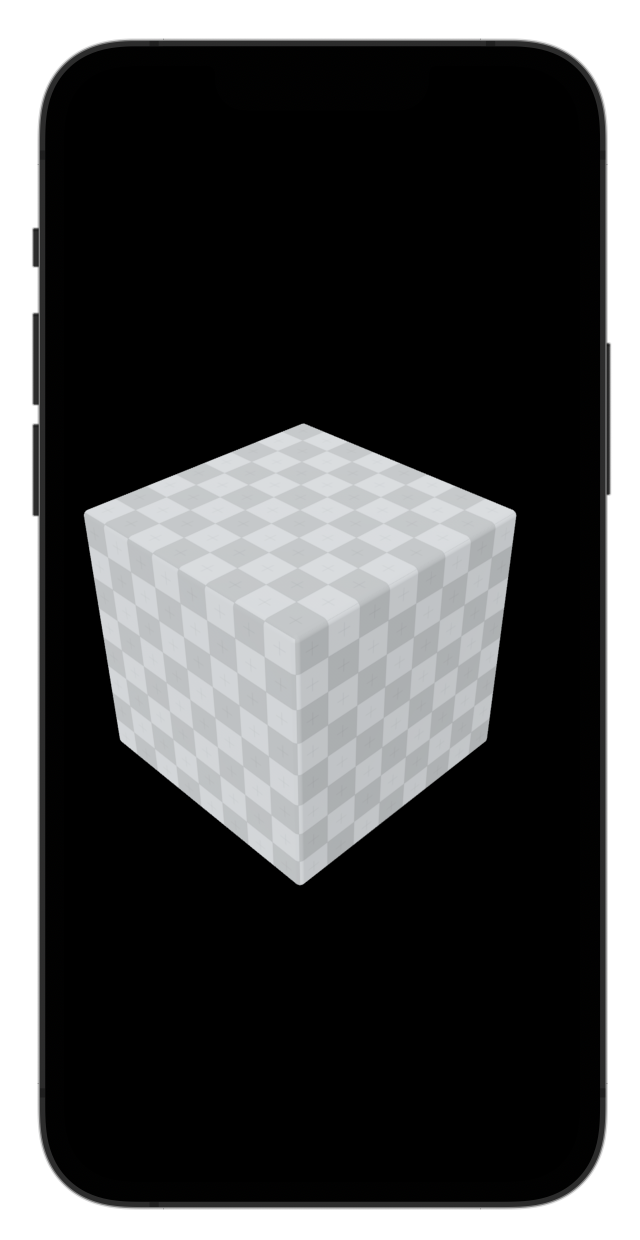 Media unavailable: RealityKit-TextureTiling-4x4.png
We can apply other interesting transforms to the texture such as rotation:
material.textureCoordinateTransform.rotation = .pi/4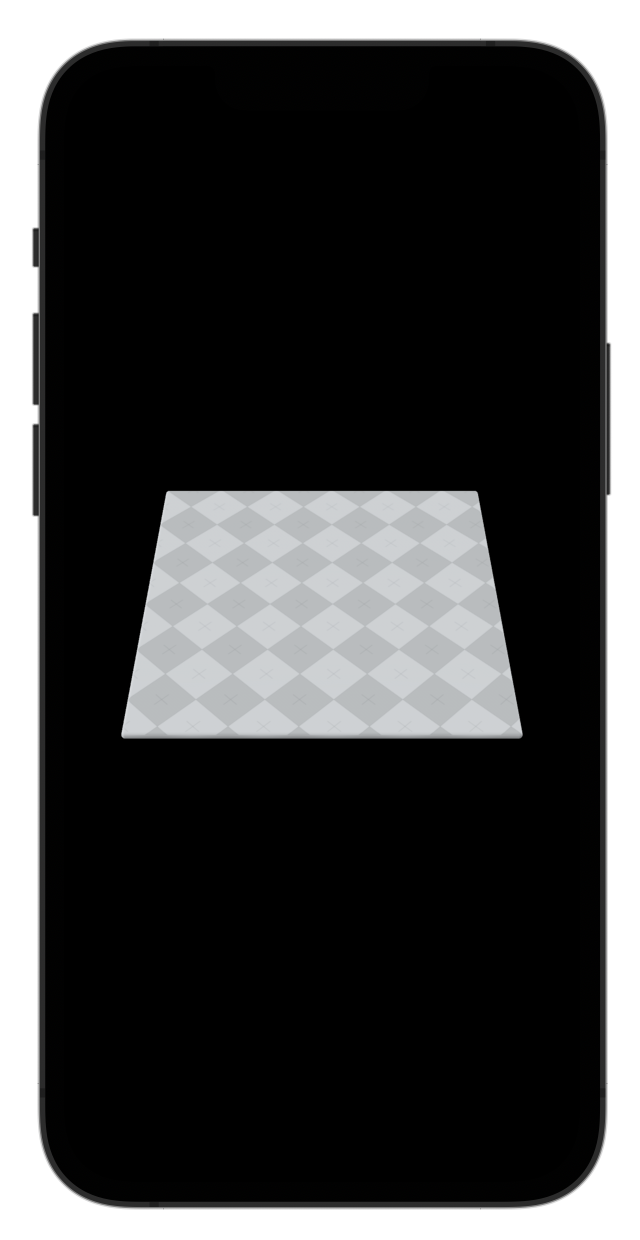 Media unavailable: RealityKit-TextureTiling-Rotation.png
All these properties are animatable. A custom system can update them every frame.
Links
-
Apple Documentation, textureCoordinateTransform.